
Raising a happy NEET
A slow-paced life sim about helping a withdrawn relative find her way forward.
Also known as: 幸福家裡蹲的養成方法 / 幸福家里蹲的养成方法 / 幸せなニートの育て方
Community Verified
Confirmed playable from players’ real play data on Mac (not tested by ExeDock itself).
Tested by players
| Players | 1 |
|---|---|
| Launch success | 100% |
| Players’ play time | 0.6 hours |
| Apple silicon | M4 |
| Memory | 16 GB |
| macOS version | macOS 27 |
| Game engine | RPG Maker MV |
| Last played | 2026-11-02 |
Added up automatically from anonymous play records, updated hourly.
Get the game Some are affiliate links
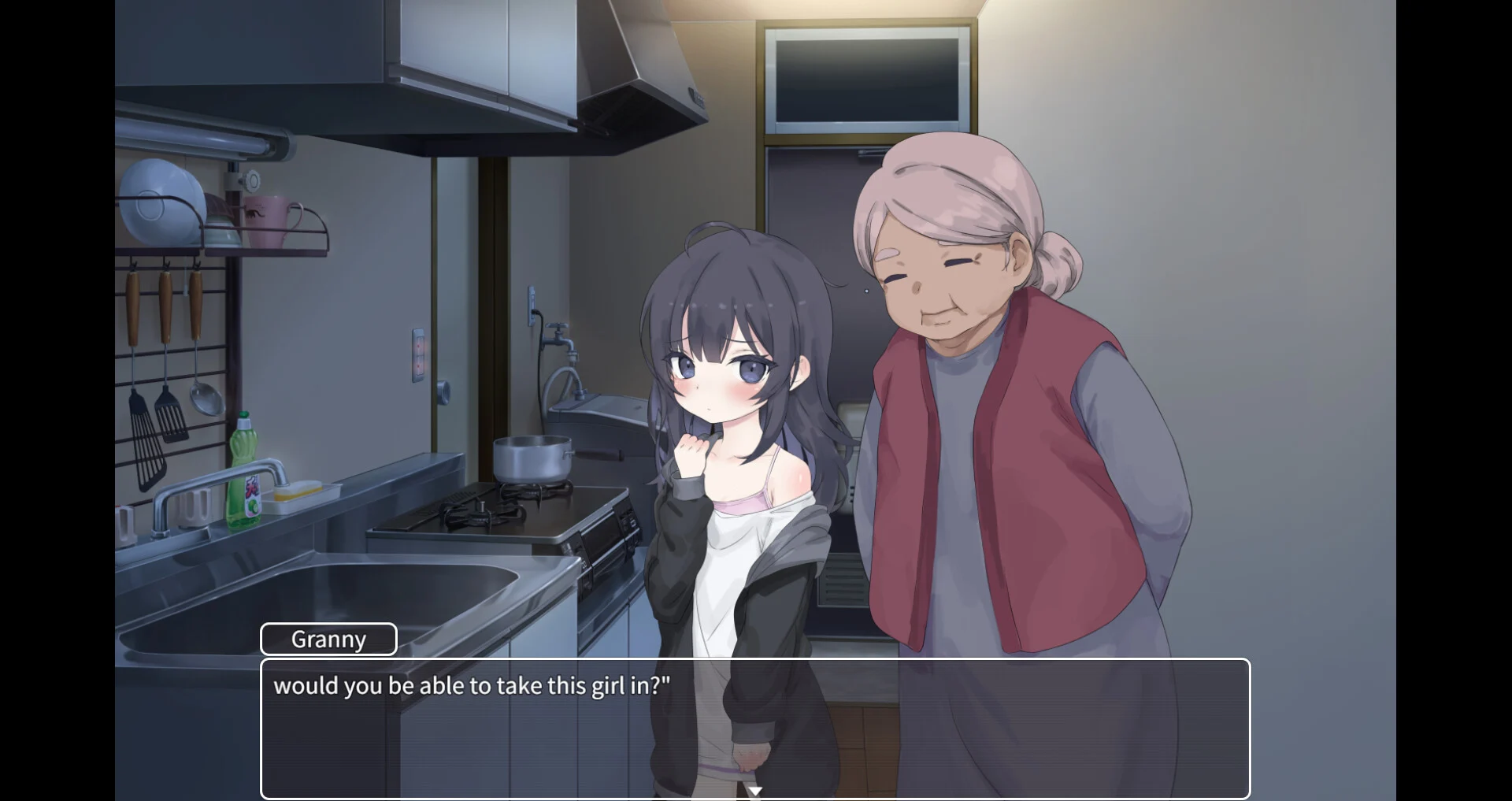
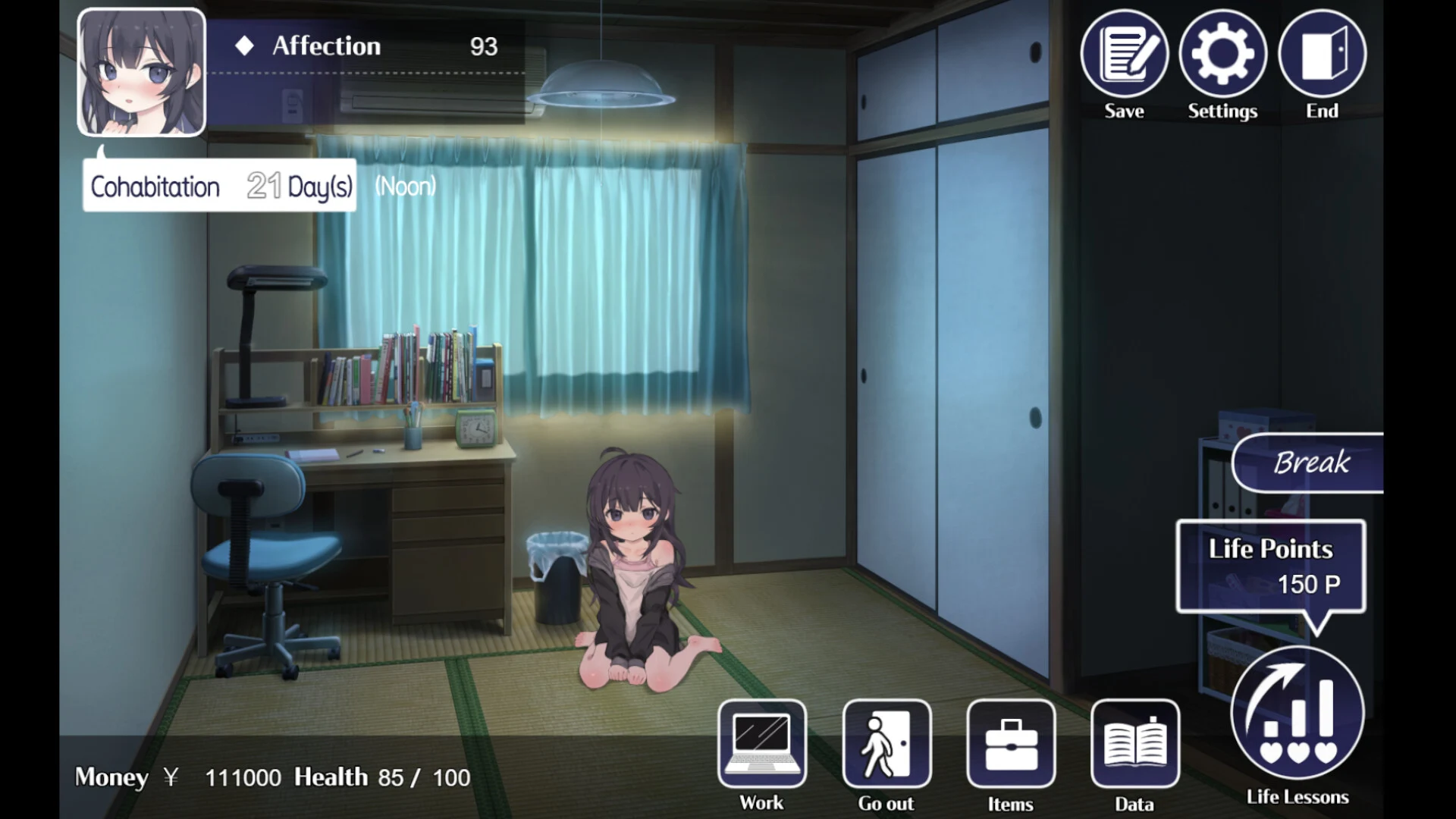
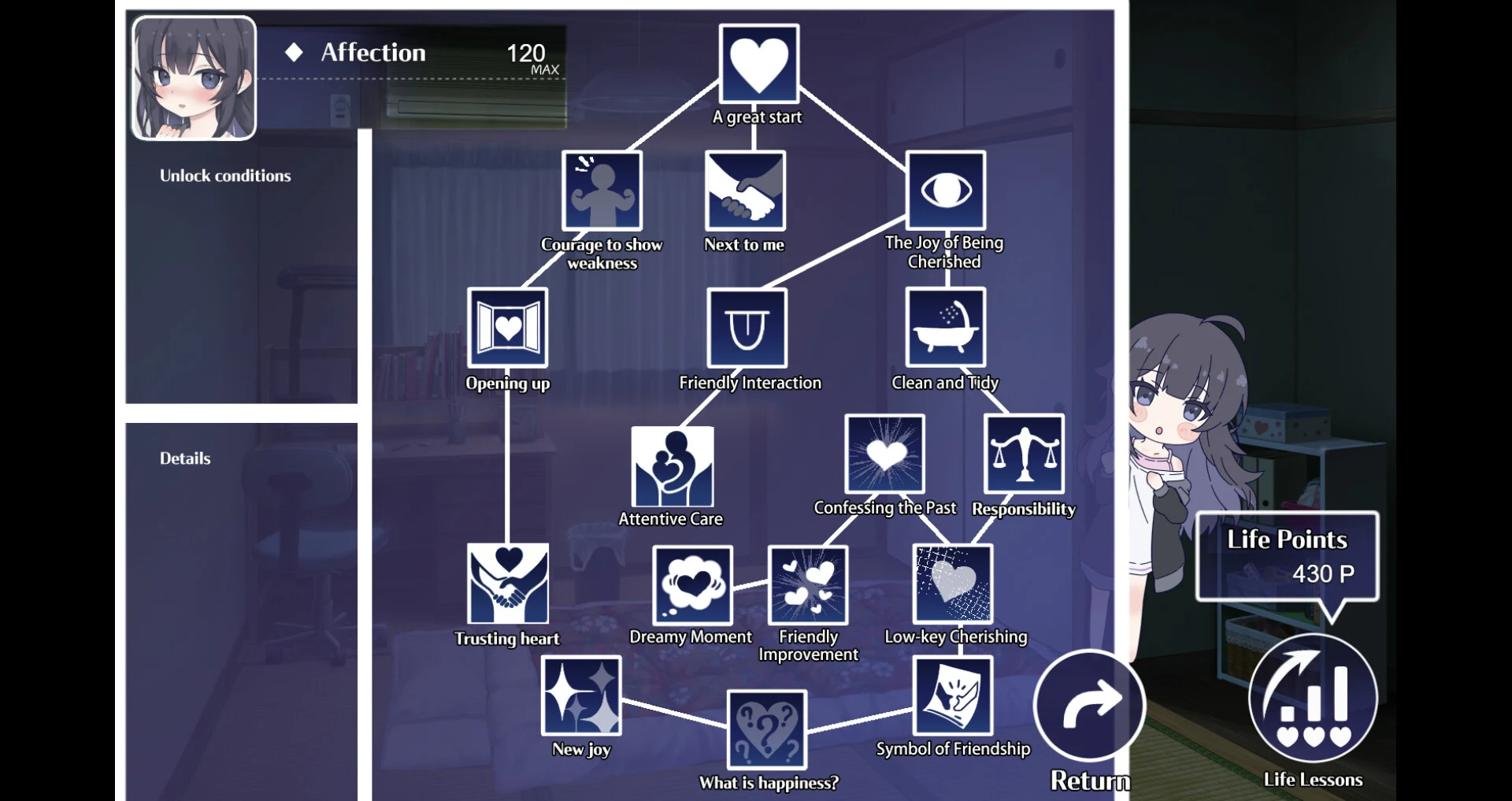
After her parents disappear, Shizuku is taken in by a distant relative—you, the player. Through daily interactions and conversation, help her open up, discover new interests, and take steps toward a future of her own. Work to earn money, buy books and food, and share knowledge as she gradually learns household tasks. The game is a single-player Japanese-style simulation with partial voice support.
Can I play Raising a happy NEET on a Mac?
Yes. Raising a happy NEET is a Windows game that runs on Apple silicon Macs (M1 and later) with the free ExeDock launcher — status: Community Verified. The recommended settings are applied automatically; no virtual machine or manual Wine setup needed. 1 player has played it on Mac for 0.6 hours in total.
Can I play other RPG Maker MV games on Mac?
Usually, yes. Raising a happy NEET is made with RPG Maker MV, which ExeDock recognizes automatically; other RPG Maker MV games can be dragged into ExeDock and played with matching settings. Every game can differ, so check its page or simply try it.
Player community
No one has shared their experience yet. After playing with ExeDock, leave the first review or question on the game's page in the app.
Reviews, issue reports and replies all happen in the ExeDock app. No sign-up needed.