Play Unity games on Mac
Unity games are made for Windows. ExeDock, a free launcher for Apple silicon Macs, recognizes Unity automatically and sets up how to run it — no virtual machine, no manual Wine setup.
UnityPlayer.dll, *_Data/How it runs Wine with a graphics layer (DXVK or Apple D3DMetal)In-game translation Press ⌥T to translate the current screen (macOS built-in translation)Verified Unity games

CUSTOM ORDER MAID 3D 2
A 3D club management and character customization game.

Ripe for the Picking☆ Summer Beach
A shooting game set on a summer beach.

The Spirit Master of Retarnia -Conqueror of the Labyrinth
A 3D dungeon RPG with five spirits.

House Party
A choice-driven 3D comedy adventure set during a party at a friend’s house.

Yakuza Rogue EX: Officer Ayukawa Hikaru
A rookie officer faces a 30-day evaluation of patrols, training, and criminal incidents.

Inari
A romance simulation set in a seaside town.
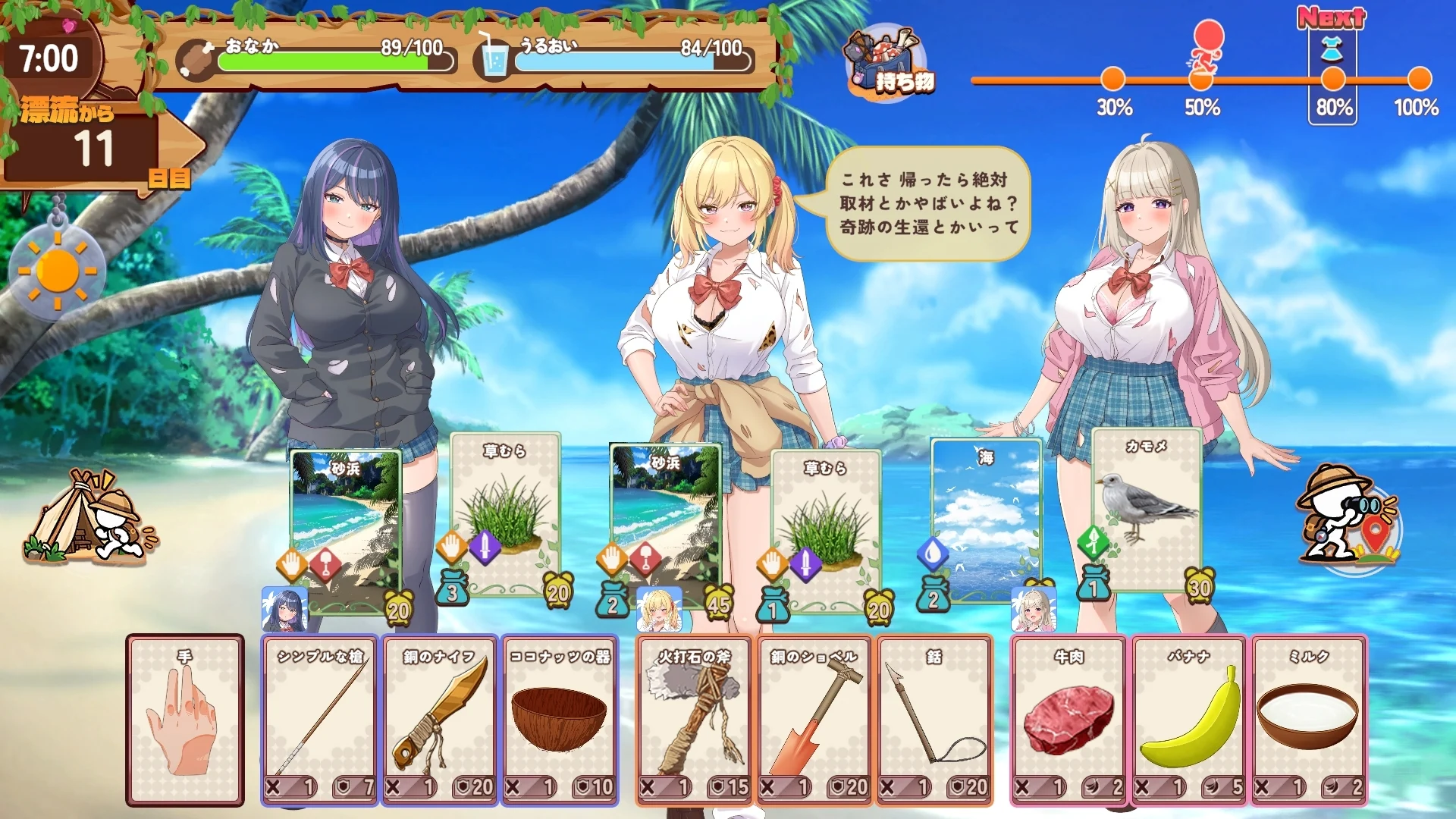
GAL x Survival!
Survive on a deserted island with three classmates through exploration, resource gathering, and crafting.
Your Unity game isn’t listed?
You can still play it: drag the game folder into ExeDock. It recognizes Unity from files such as UnityPlayer.dll, *_Data/ and applies suitable settings. The game stays where it is.
Results can differ from game to game. If picture or sound isn’t right, try another compatibility mode, or report it from the app.
Frequently asked questions
Can I play Unity games on a Mac?
Yes. With the free ExeDock launcher, Windows games made with Unity run on Apple silicon Macs (M1 or later). Verified Unity games on this site so far: 7. Other Unity games can be dragged into ExeDock and played too.
How can I tell if a game uses Unity?
Look for UnityPlayer.dll, *_Data/ in the game folder. You don’t have to check: ExeDock detects the engine when you add the game.
Do I need Windows or a virtual machine?
No. ExeDock runs Windows games directly on macOS; there is no Windows install or virtual machine.